
Features
- Redesigned the search home page on iPad and iPhone Duo (see image)
- Added a “Tap to Reset Zoom” setting (Settings -> Media & Links -> Image Viewer)
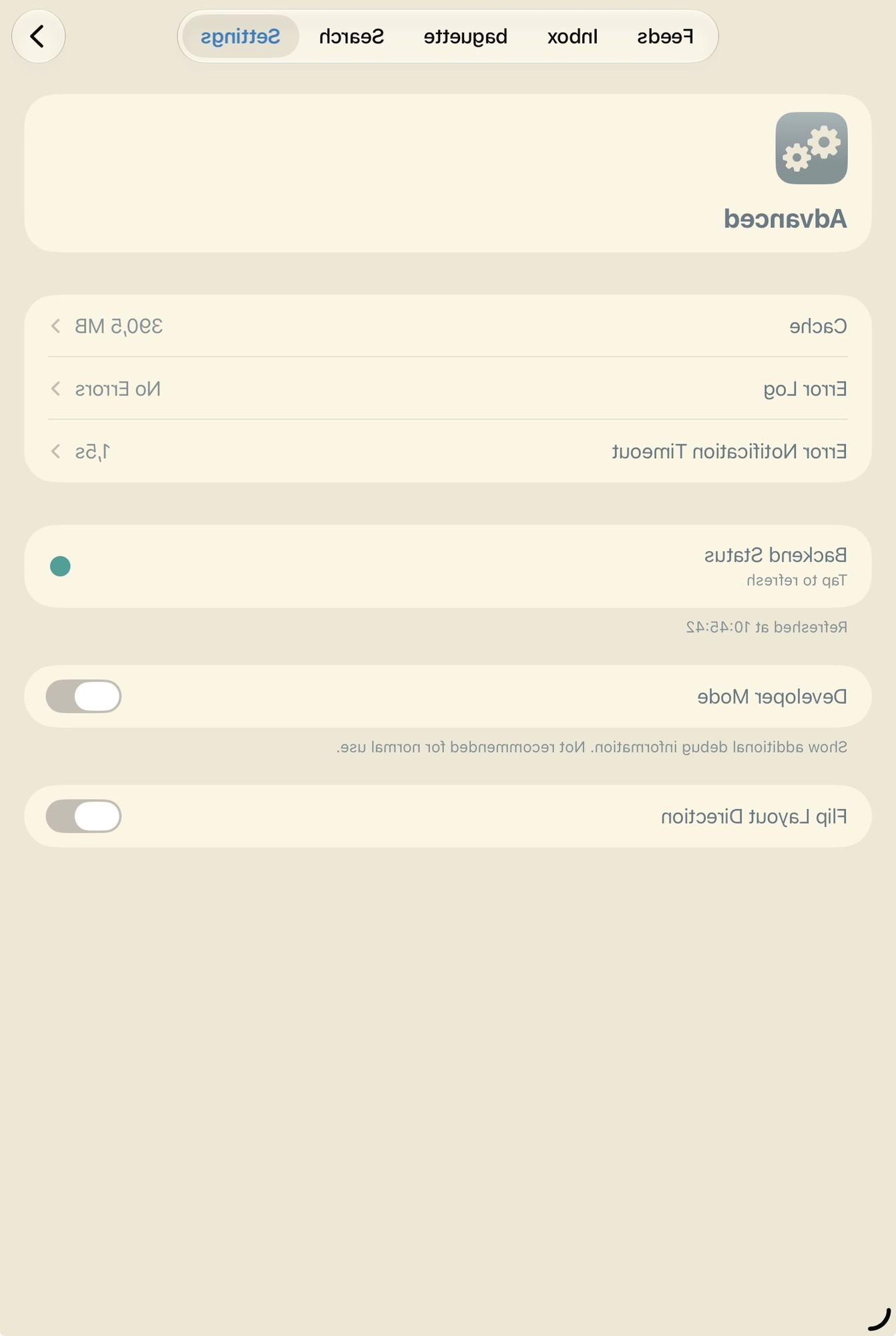
- Added a “Flip Layout Direction” setting (Settings -> Advanced)
- Communities and profiles now load slightly faster on PieFed when opening from a link
Bug Fixes
- Fixed alignment of the jump button on iPhone Duo
- Fixed alignment of the feed header context menu (most noticeable on iPad)
- Fixed profile loading on Lemmy 1.0
- Fixed a crash related to the image viewer
- Fixed lag in the instance search sheet

Flipped mode is wild, i know sjmarf warned me it was everything. Thanks for adding it.
This happened when I had undone the flipped interface. Fixes when forced closing.
Also, where can I find the option that turns off hiding read posts?
Interesting, thanks for the bug report!
You can hide/show read from the ellipsis menu in the top right of any feed (Feeds, Profile, or community).
Thank you for pointing out how to show read posts. Should’ve looked better, because I opened it a few times haha
Can we have this glass looking app icon?
If you put the Home Screen in jiggle mode, then tap the button in the top-left and press “customize”, you can switch the icons to Glass.

We can’t use the glass material outside of this mode, unfortunately.
Ohhh so what I’m looking at in the op is not a single glass icon but a combination of colorless glass icons and wallpaper. I see.